Image Tip Settings
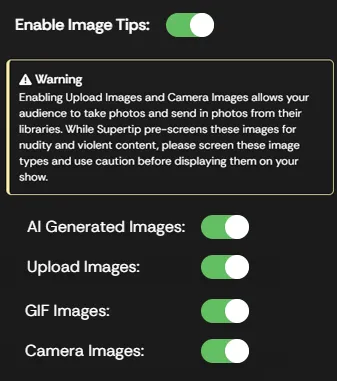
Supertip Image Tips let viewers send you images — generated from a prompt, uploaded from their device, picked from a library of pre-made GIFs, or taken with their device’s camera. To open your Image Tips settings, go to the Creator Dashboard and select Settings > Image Tips.
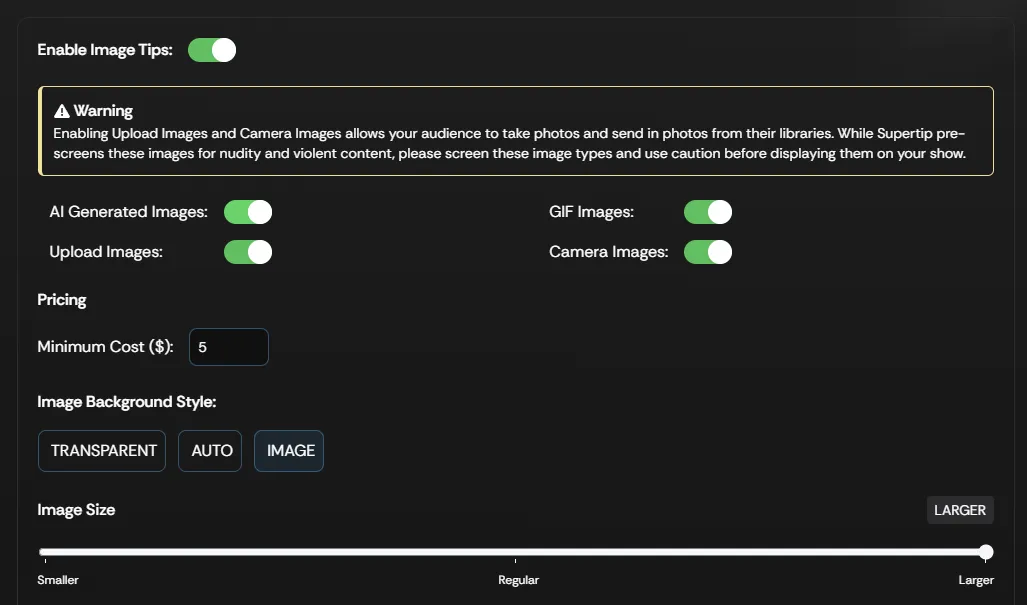
Image tip settings
Section titled “Image tip settings”| Setting | What it does |
|---|---|
| Enable Image Tips | Enables image tips for viewers to purchase. |
| Minimum Cost | The minimum dollar amount viewers must spend to submit an image tip. The floor is $5. |
| AI Generated Images | Lets viewers generate AI images as their image tip. |
| GIF Images | Lets viewers search and select from a library of GIF reaction images for their image tip. |
| Upload Images | Lets viewers upload images from their device to use as their image tip. |
| Camera Images | Lets viewers use their device’s camera to take a picture to use as their image tip. |