
Creating your Supertip Account
Your Supertip account is your gateway to receiving tips from viewers. This guide walks you through signing up, choosing your login platform, and adding your first show.
Before you begin
Section titled “Before you begin”Before you create your account, make sure you have a registered YouTube or X account to log in with. You will also need to register and verify a Stripe account, but you can complete that process during account creation — see Payment Processing Setup for those steps.
Sign up for Supertip
Section titled “Sign up for Supertip”To create your Supertip account:
-
Open Supertip.gg in your browser.
-
Select the Sign in / Sign up button.
-
To create an account, you’ll need an existing X or YouTube account.
-
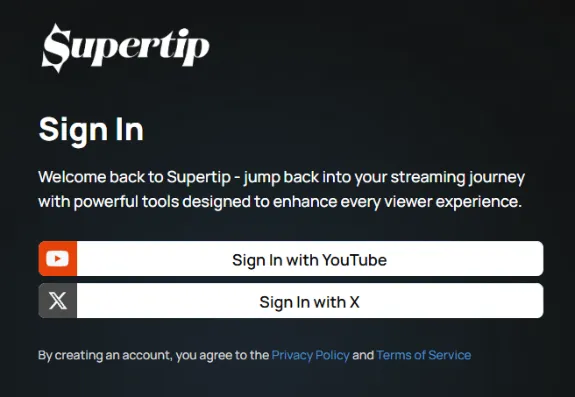
Select the platform you want to use to create your Supertip account:
- Sign in with YouTube — registers your Supertip account using your existing YouTube login.
- Sign in with X — registers your Supertip account using your existing X login.
-
Verify your email address. Supertip sends a verification link to your email — select it, then return to the setup page. Setup does not continue past the Verify Your Email step until your address is confirmed.
-
Review the Creator Terms and select the I Agree! button to continue.
-
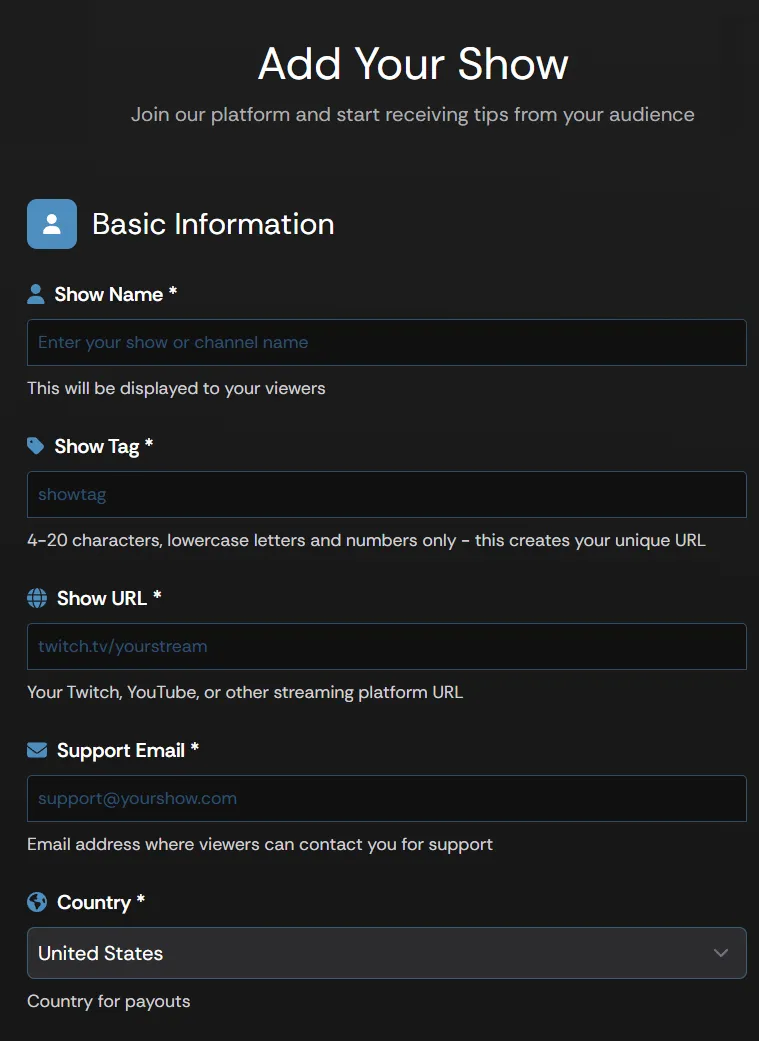
Fill out the Add Your Show form with the following information:
- Show Name — the name displayed to viewers using your Supertip.
- Show Tag — the URL viewers use to access your Supertip page. For
example, if you enter
davestechtips, your Supertip URL becomesSupertip.gg/davestechtips. Tags are 4–20 characters, lowercase letters and numbers only. - Show URL — the main URL of your stream.
- Support Email — an email address viewers can use to reach you. Once verified, it is publicly visible to your viewers.
- Country — the country you use for financial transactions.
-
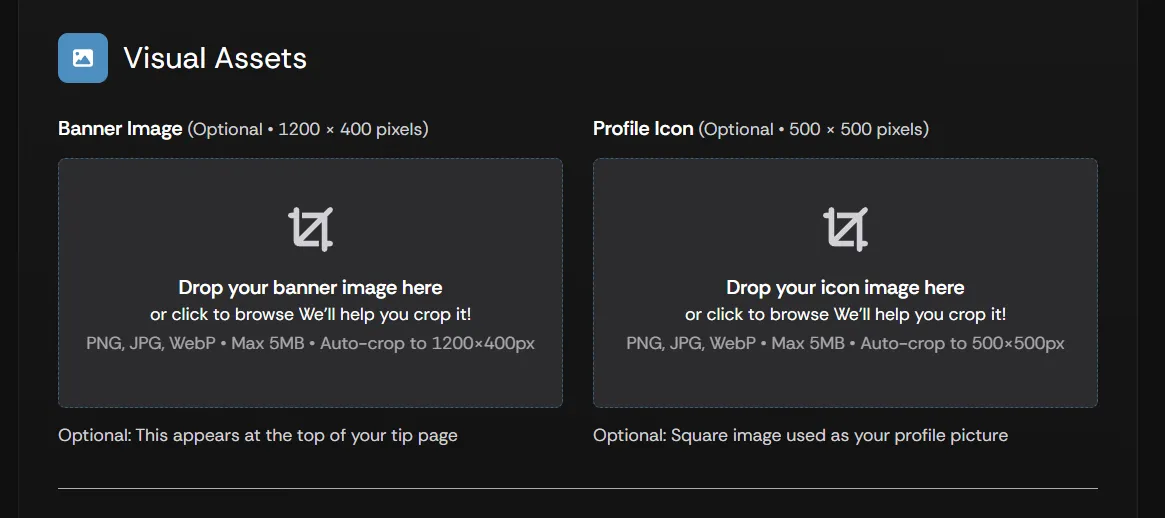
Configure the Visual Assets section to add custom Supertip graphics to your account:
- Banner Image — upload a 1200 x 400-pixel banner image displayed on your Supertip.gg page.
- Profile Icon — upload a 500 x 500-pixel profile icon displayed on your Supertip.gg page and your Creator Dashboard.
- Select Continue Show Setup.
Next step
Section titled “Next step”Once your show is set up, the next step is connecting payment processing so your account can receive tips. Continue to Payment Processing Setup.