
Payment Processing Setup
Supertip uses Stripe to process the tips your viewers send you. Connecting a Stripe account is the final step in setting up your Supertip account — you can’t complete account setup until your Stripe account is registered and linked.
Connect your Stripe account
Section titled “Connect your Stripe account”These steps continue directly from Creating your Supertip Account.
-
Choose how to link Stripe with your Supertip account:
- Connect Existing Stripe Account — if you already have a Stripe account, sign in and authorize Supertip to use it for payouts.
- Create New Stripe Account — Supertip creates a Stripe account for you.
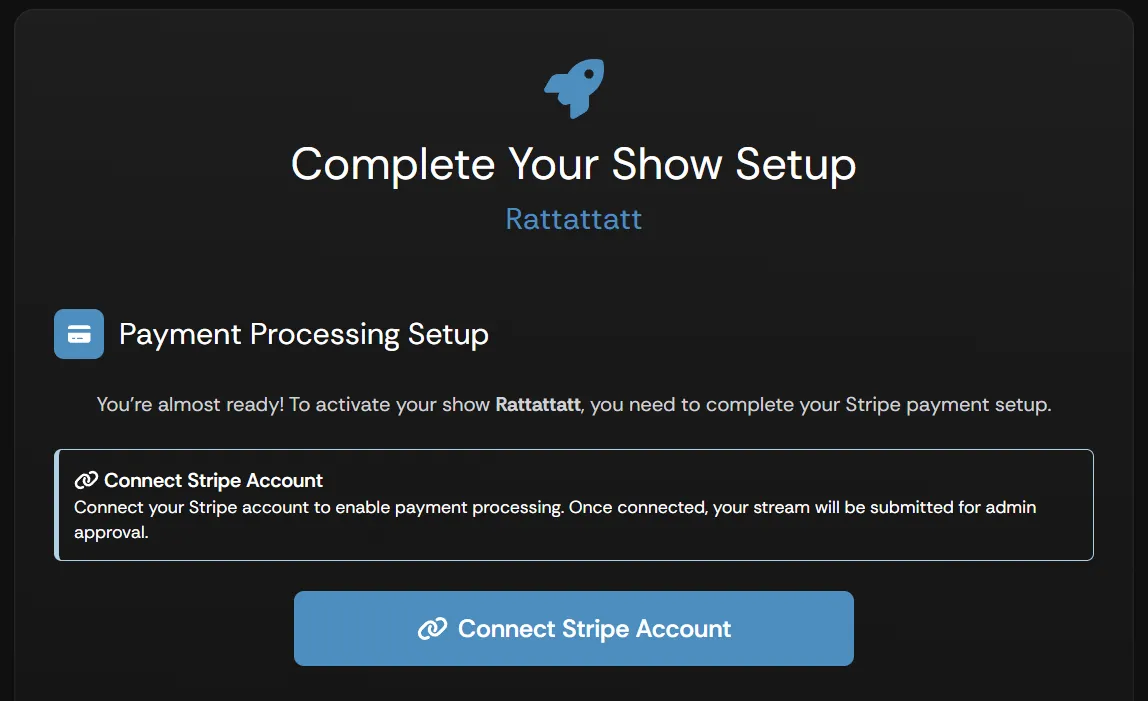
- You are taken to Stripe. Follow the prompts that Stripe provides to complete this step.
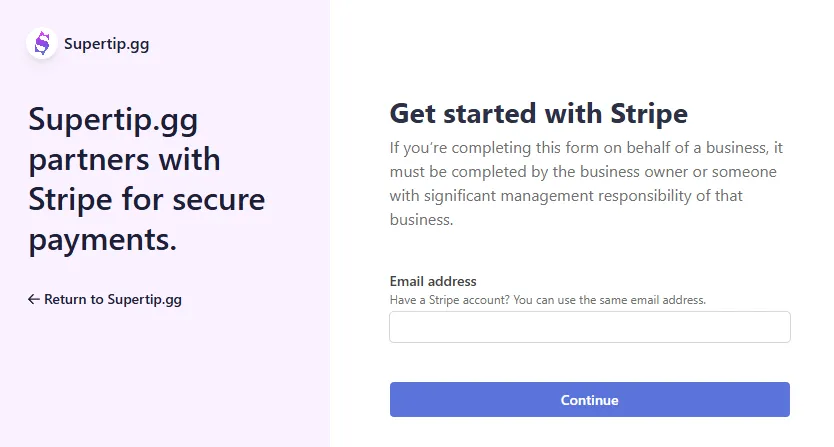
- Once your Stripe account is successfully linked, the Supertip team reviews your application and notifies you once it’s been approved. After approval, you can start using Supertip.