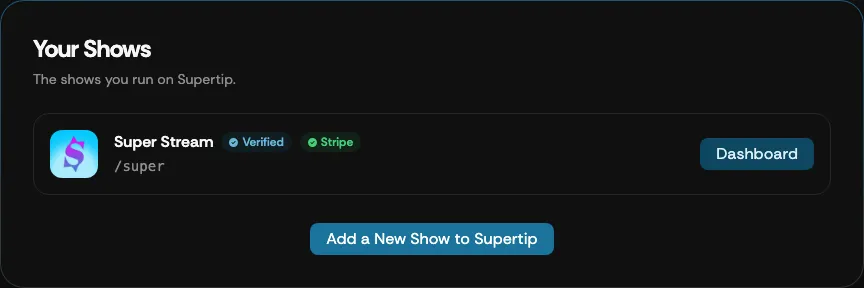
Your Shows
The Your Shows section displays all the Supertip pages created with your current profile information. From here you can review your shows and jump to each show’s Creator Dashboard.
Open Your Shows
Section titled “Open Your Shows”The Your Shows section is part of the My Supertip screen. To open it, select your avatar image in the top right corner of the screen, select My Supertip, then go to Your Shows.
Review your shows
Section titled “Review your shows”Each show appears as a card showing:
- The show’s logo and name, with a Verified badge once the show is approved and a Stripe badge once payments are connected.
- The show’s tag — the Supertip.gg URL used to access the show. For example,
a show with the tag
/superlives atsupertip.gg/super. - A Dashboard button that opens the show’s Creator Dashboard.
Below the list, select Add a New Show to Supertip to add an additional show to your Supertip profile.